
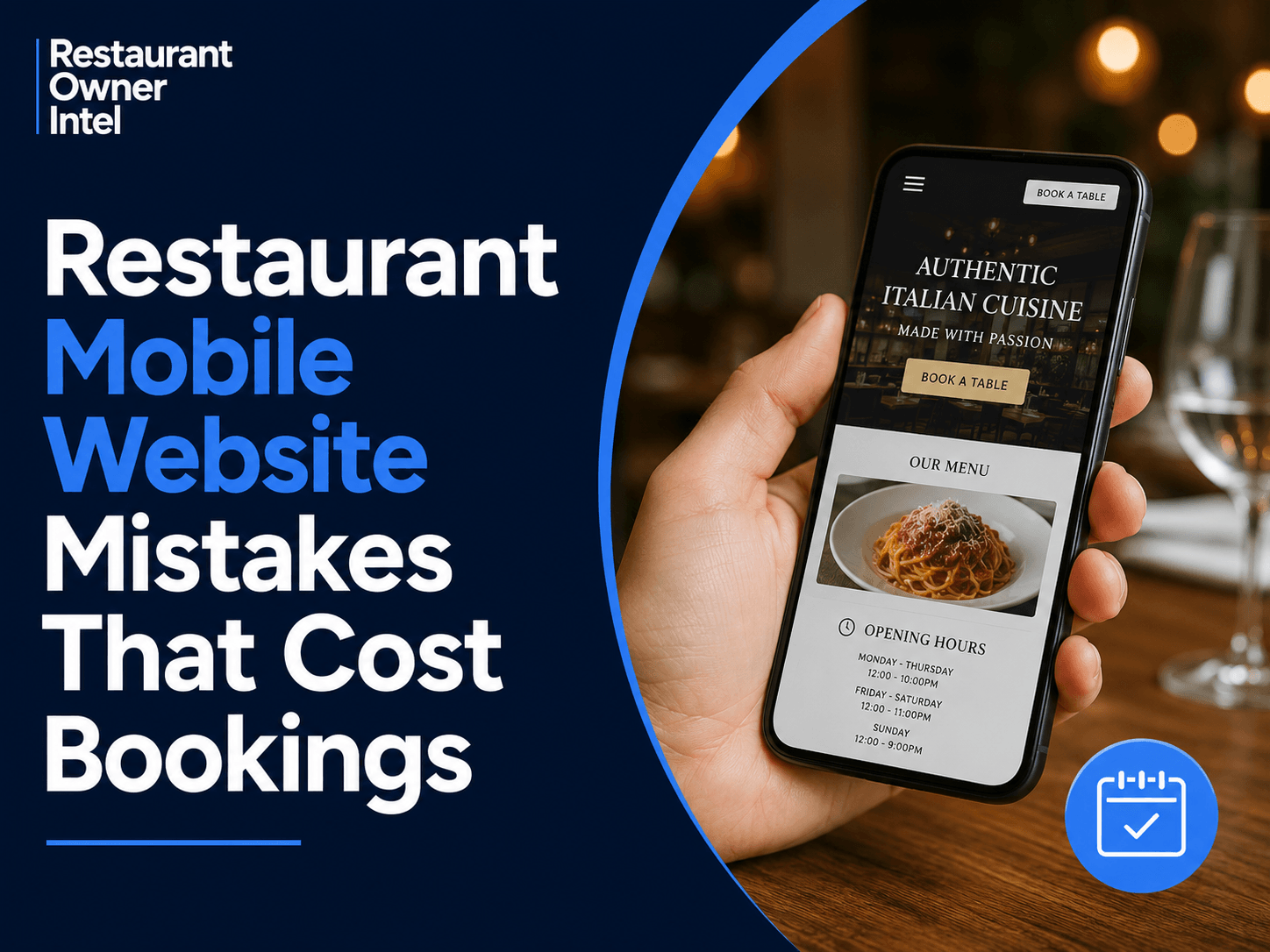
Restaurant Mobile Website Mistakes That Cost Bookings
Small mobile website improvements can make it easier for customers to book a table, order online, and choose your restaurant over the competition.
Most restaurant owners invest time and money attracting visitors to their website. They post on social media, update their Google Business Profile, run promotions, and encourage online reviews.
But if your website doesn't work well on a smartphone, much of that effort goes to waste.
The majority of people searching for somewhere to eat are doing it on their mobile device. They're looking at menus, checking opening hours, reading reviews, and deciding where to book - often while they're already out and about.
If your mobile website creates even a small amount of friction, many potential customers won't persevere. They'll simply move on to another restaurant that's easier to use.
Here are some of the most common restaurant mobile website mistakes that quietly cost bookings.
1. Slow Loading Pages
Customers expect websites to load almost instantly.
If your homepage takes several seconds to appear, many visitors will leave before they even see your menu.
Large image files, outdated website themes, unnecessary animations, and poor hosting are common causes of slow performance.
Every second of delay increases the chance that a customer abandons your site and books elsewhere.
Ask yourself:
Does your homepage load quickly on mobile data?
2. Making Customers Hunt for the Booking Button
Visitors should never have to search for how to reserve a table.
The booking button should be one of the first things they see when they land on your site.
A clear, highly visible Book a Table button that remains easy to find throughout the customer journey removes unnecessary friction.
If someone has decided they want to visit, don't make them work for it.
3. Menus That Are Difficult to Read
Many restaurant websites still upload their menu as a PDF.
On a phone, this often means endless zooming, scrolling, and frustration.
A mobile-friendly menu should:
Display clearly on every screen size.
Remember, your menu is one of your strongest sales tools. If customers struggle to read it, they may never reach the booking stage.
4. Missing Essential Information
Customers often visit your website for one simple reason.
They want answers.
If they can't immediately find your:
Opening hours
they're likely to leave and continue searching.
Important information should never be hidden several pages deep.
5. Poor Mobile Navigation
Restaurant websites don't need complicated menus.
Customers usually want just a handful of things:
View the menu
If your navigation is cluttered or confusing, every extra tap increases the chance they'll abandon the process.
Keep it simple.
6. Tiny Buttons and Difficult Forms
Nothing frustrates mobile users more than forms that are difficult to complete.
If customers have to zoom in just to tap a button or type into a booking form, your website is working against you.
Booking forms should ask only for the information you genuinely need.
The fewer fields customers complete, the more likely they are to finish the booking.
7. Ignoring Click-to-Call and Maps
Many restaurant customers are looking for quick answers.
They want directions or they want to phone.
Your phone number should be tappable.
Your address should open directly in Google Maps or Apple Maps.
Every unnecessary step creates another opportunity for a customer to leave.
8. Outdated Information
Few things damage trust faster than incorrect information.
Nothing is more frustrating than arriving at a restaurant that's closed despite the website saying it's open.
Regularly check that your:
Opening hours
are all current.
Consistency across your website and Google Business Profile helps build confidence before customers even arrive.
9. Pop-Ups That Cover the Screen
Promoting your newsletter or special offers can be useful.
Covering the entire mobile screen with multiple pop-ups isn't.
If visitors have to close several windows before they can even see your menu, many won't bother.
Keep promotional messages subtle and avoid interrupting the customer's journey.
10. No Clear Call to Action
Every page should answer one simple question:
What should the visitor do next?
Whether it's:
Book a table
make that next step obvious.
Don't assume customers will figure it out on their own.
A Quick Mobile Website Audit
Take out your own smartphone and visit your restaurant website as if you were a first-time customer.
Can you answer "yes" to these questions?
Does the website load quickly?
If not, you've identified opportunities to improve your customer experience - and potentially increase bookings.
The Bottom Line
A mobile website isn't just an online brochure.
It's one of your most important sales tools.
Every extra click, slow-loading page, or confusing layout creates friction that can send customers to a competitor instead.
The good news is that most of these issues are straightforward to fix, and even small improvements can lead to more completed bookings, stronger customer confidence, and a better return from all your other marketing efforts.
This week's action: Open your website on your own phone and try to book a table in under 60 seconds. Any point where you hesitate is probably where your customers do too. Fix those friction points first - they're often the easiest way to turn more website visitors into paying guests. |
Restaurant Owner Resource |
Free AI Restaurant Growth Plan |
Curious what growth opportunities your restaurant might be missing? Our free AI-powered Growth Plan analyses your restaurant's online presence, marketing and growth goals to identify opportunities you may not have considered.
|
Oct 19, 2026
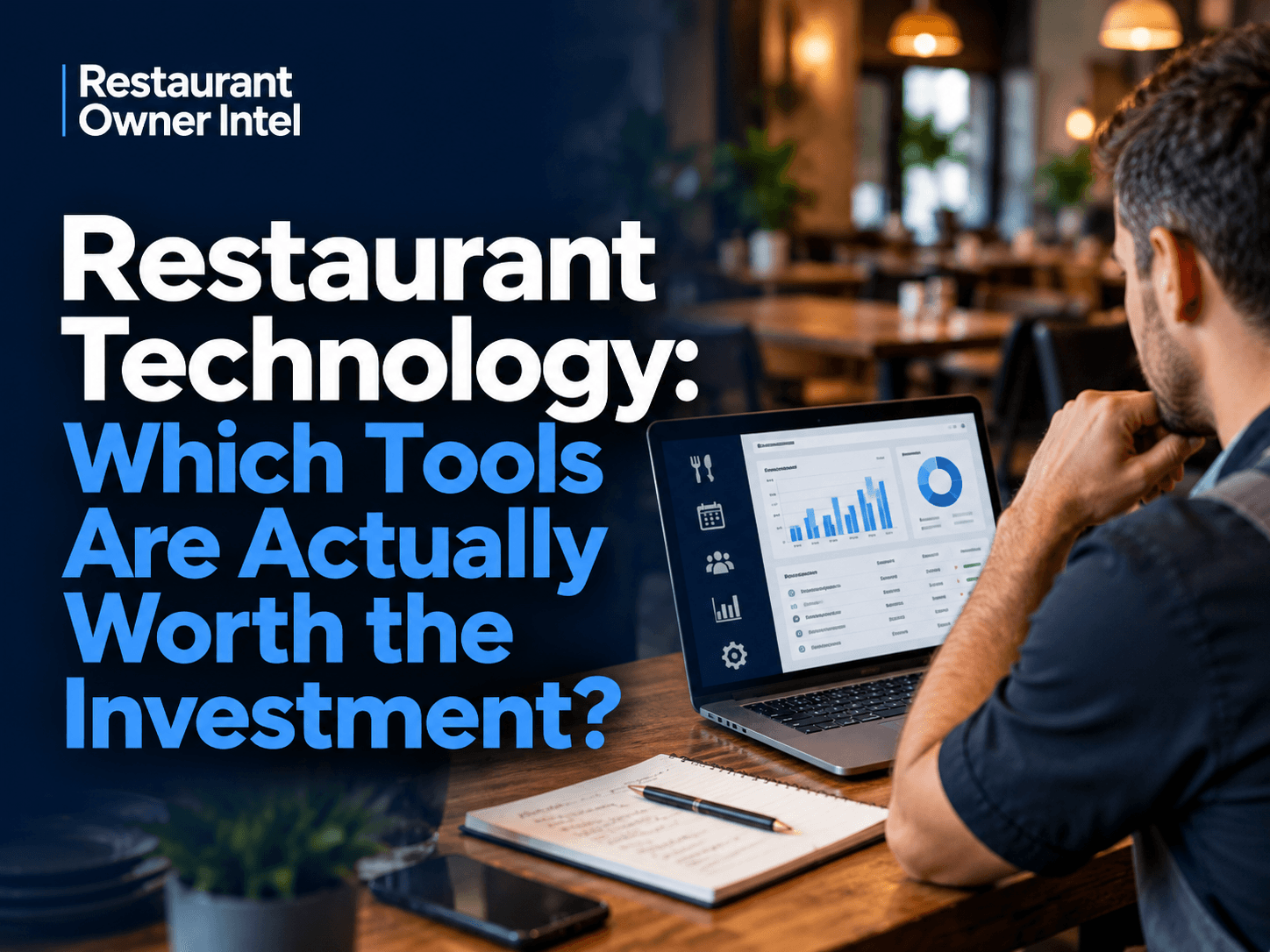
Restaurant Technology: Which Tools Are Actually Worth the Investment?
From POS systems and booking software to AI and staff scheduling, here's how to choose restaurant technology that earns its place in your budget, protects your margins and makes running your business easier.
Oct 18, 2026
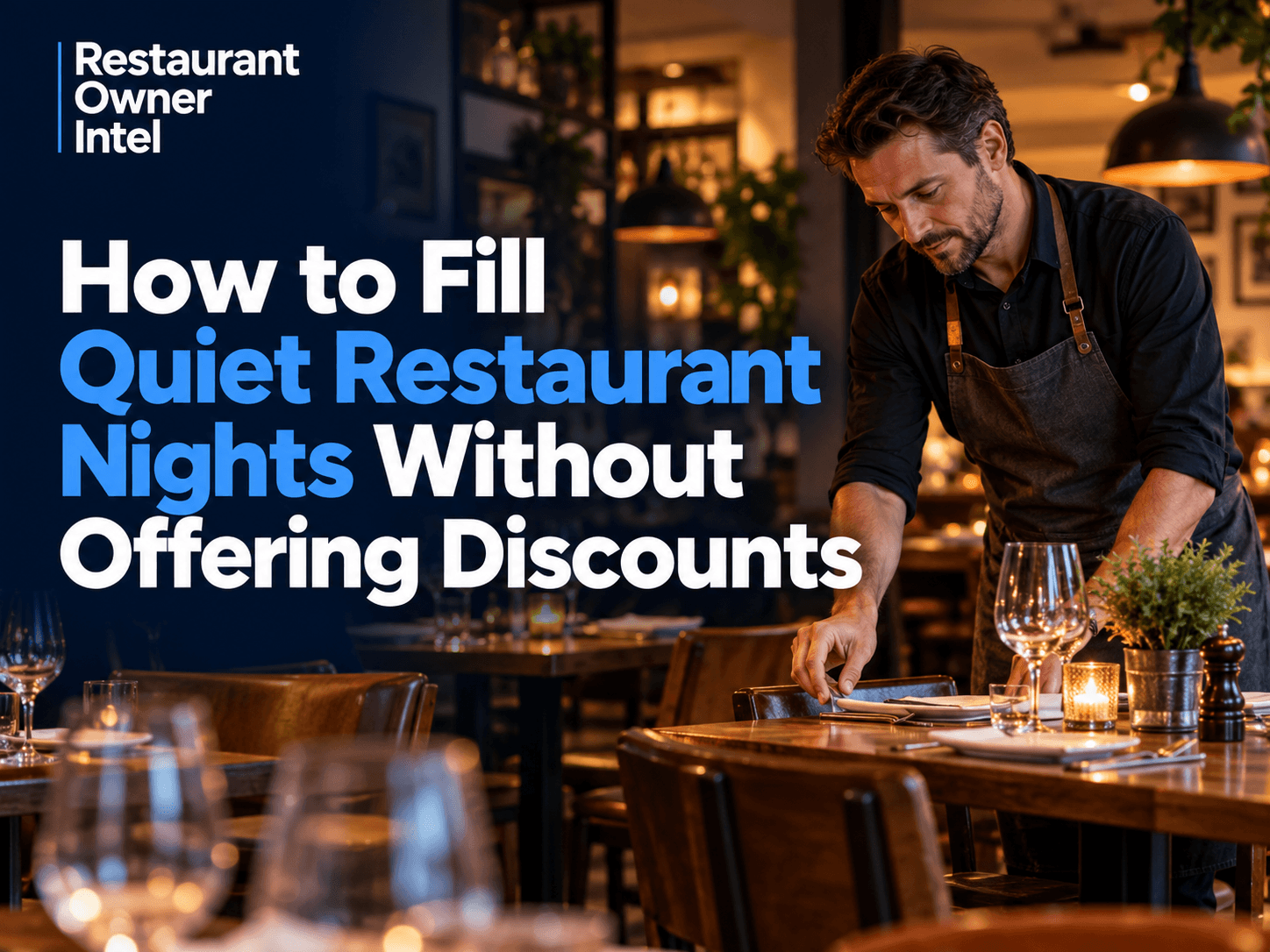
How to Fill Quiet Restaurant Nights Without Offering Discounts
Empty tables on a Tuesday or Wednesday can be expensive. But cutting prices isn't the only way to bring customers through the door. These practical restaurant marketing ideas can help you increase midweek bookings, give diners a reason to visit and protect your profit margins.

Oct 18, 2026
Are Delivery Apps Bringing You Sales or Taking Too Much Margin?
Delivery apps can keep your kitchen busy and your sales figures climbing. But how much of that money are you actually keeping? Here's how to uncover the real cost of restaurant delivery apps, protect your profit margins and make every order work harder for your business.

Oct 17, 2026
Why Customers Choose One Restaurant Over Another (And How to Win Their Business)
Why Customers Choose One Restaurant Over Another comes down to more than food and price. Understanding the psychology behind dining decisions can help your restaurant attract more customers, win bookings and build repeat business.
0 Comments
Join the conversation
Be the first to comment
Share your thoughts above.