
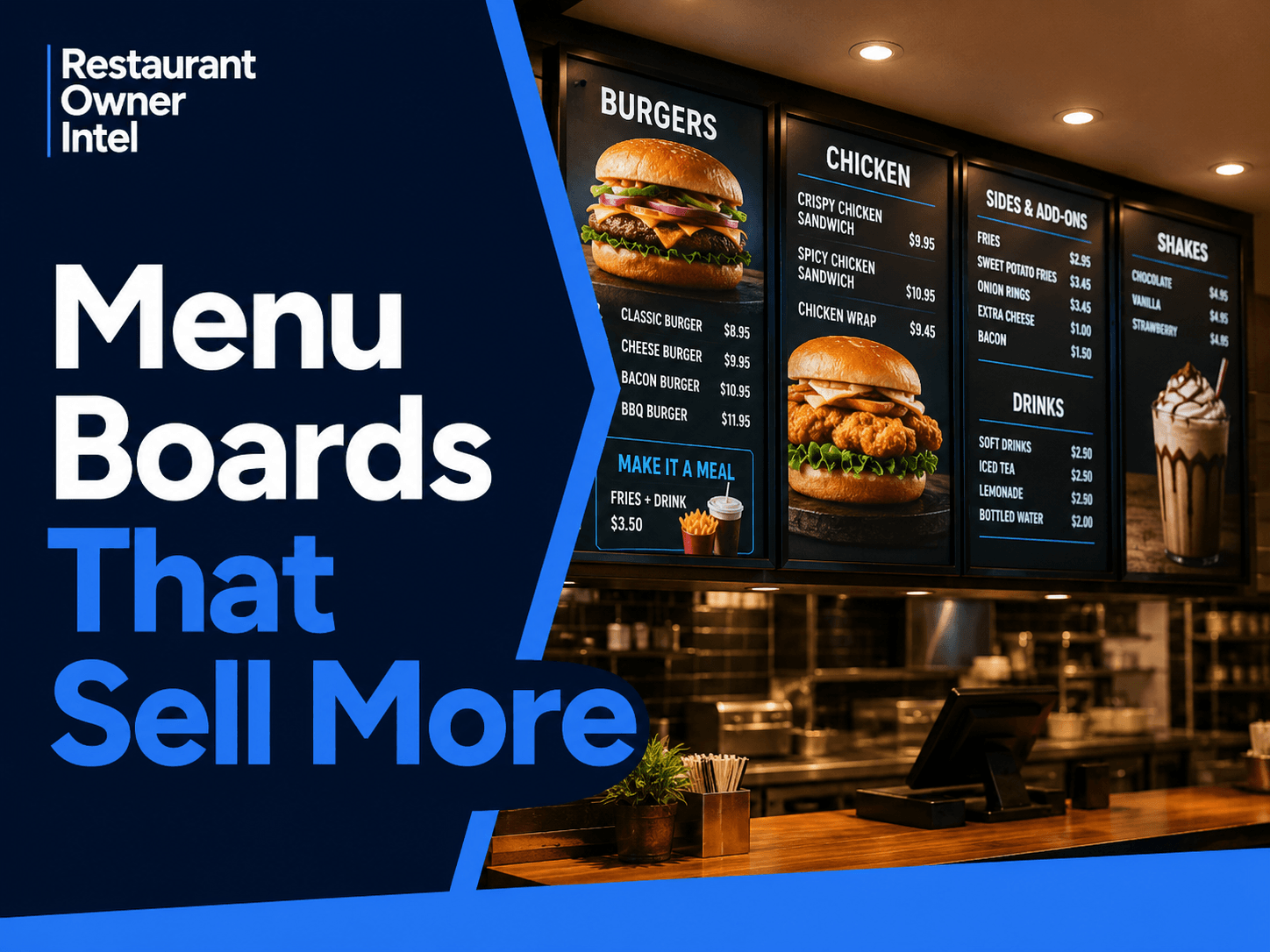
Menu Boards That Sell More: 7 Changes That Can Increase Customer Spend
Discover how menu boards that sell more can highlight profitable dishes, increase average spend, simplify ordering and improve restaurant sales.
A customer walks into your restaurant and looks up at the menu board. They may give it 20 or 30 seconds before deciding what to order. In that short window, your menu board has an important job to do. It needs to help the customer understand their options, make a decision and feel confident about what they are ordering. But it can also do something else: help you sell more. Menu boards that sell more do not simply contain more products, bigger photographs or louder promotions. They make it easier for customers to notice the items the restaurant most wants to sell. That matters for quick-service restaurants, cafés, takeaways, bakeries, food halls and any restaurant where customers make purchasing decisions while standing in front of a board. Here are seven areas worth reviewing. 1. Decide What You Actually Want Customers to NoticeOne of the biggest menu board mistakes is giving everything equal importance. If 30 items have the same font size, colour and prominence, you are leaving the customer to work everything out for themselves. Instead, decide which products deserve attention.
The objective is not necessarily to push the most expensive item. You want to make commercially valuable choices easier to notice. For example, if a chicken burger meal generates a stronger contribution than several standalone items, it may deserve a more prominent position on the board. Ask yourself: If a customer looked at your menu board for five seconds, which three products would they notice first? If you do not know, your menu board probably needs a clearer hierarchy. 2. Reduce the Work Required to OrderMore choice can feel helpful. Too much choice can make ordering harder. A crowded menu board forces customers to scan categories, compare prices, read descriptions and work out combinations while other customers may be waiting behind them. That creates friction. A clearer menu board groups products logically and makes the ordering process easier. Instead of presenting every possible variation with equal prominence, create obvious routes through the menu. BURGERS Classic Burger — £8.95 MAKE IT A MEAL Add fries + drink — £3.95 The customer can understand the decision quickly: choose a burger, then decide whether to make it a meal. That is easier to process than a wall of individual products and prices. It also creates a natural opportunity to increase average spend. 3. Give Your Best Sellers Better PositionsCustomers do not examine every part of a menu board equally. That means valuable menu space should not be allocated accidentally. Look at the products you most want to sell and ask whether they are genuinely easy to find. A high-margin signature dish buried among 20 alternatives is unlikely to receive the same attention as one given a clear, prominent position. You can create emphasis through:
The important point is restraint. If you highlight eight different things, you have not really highlighted anything. Choose a small number of products that deserve extra attention. 4. Use Descriptions to Make Products More AppealingCompare: Chicken Burger with: Crispy Chicken Burger The second gives the customer more reasons to want the product. You do not need long descriptions. In fact, lengthy copy can make a menu board harder to scan. Instead, use a few carefully chosen words that communicate flavour, quality or what makes the dish different. Think about terms that genuinely describe the food:
Do not add descriptive language simply to make the menu sound sophisticated. Use it where it helps customers understand why an item is worth ordering. 5. Make Add-Ons ObviousSometimes increasing average spend does not require selling a completely different main course. It requires making the next purchase obvious. Fries. A larger drink. Extra cheese. A side dish. Dessert. Coffee. An upgrade. If these options are difficult to find, staff have to remember to suggest them or customers have to discover them themselves. Your menu board can do part of that selling automatically. A simple prompt such as: Add fries + drink for £3.95 can be more commercially useful than filling the same space with another low-selling menu item. Look at your transaction data and identify the add-ons that make sense alongside your most popular products. Then make those combinations easy to see. 6. Do Not Let Design Get in the Way of SellingA beautiful menu board can still be a poor sales tool. Small text, weak contrast, complicated fonts and cluttered layouts may look stylish on a laptop screen but become difficult to read from several metres away. That is an operational problem as well as a design problem. Customers who cannot quickly understand the menu may take longer to order, ask more questions or default to the safest familiar option. Review your menu board from where customers actually stand. Can you immediately read:
Do not review the board only from behind the counter. Stand where a first-time customer stands. The difference can be revealing. 7. Treat Your Menu Board as Something You Can TestA menu board should not be designed once and then ignored for years. It is part of your sales system. If you change the position of a high-margin item, track what happens. If you introduce a clearer meal upgrade, measure how many customers take it. If you reduce the number of products displayed prominently, check whether ordering becomes faster. If you change a description, compare sales before and after. You do not need complicated analytics. Your POS data can answer useful questions such as:
This turns menu design from personal opinion into a commercial decision. Menu Boards That Sell More Start With Better DecisionsThere is no single menu board layout that will work for every restaurant. A busy takeaway with customers ordering in under a minute has different requirements from a bakery, coffee shop or fast-casual restaurant. But the commercial principles are similar. Your menu board should make it easy to understand what you sell, easy to identify appealing options and easy to add something extra to the order. It should also reflect the economics of your menu. Your most prominent products should not be chosen purely because the photograph looks good. Consider popularity, margin and how the item contributes to the overall transaction. A 10-Minute Menu Board AuditStand where your customers normally order and review your board as though you have never seen it before.
Every unnecessary decision, confusing section or hidden add-on is worth reviewing. The Action to Take This WeekDo not redesign your entire menu board immediately. Choose one product or combination you would like to sell more of. Check its margin. Look at how prominently it currently appears. Then make one controlled change to its position, description or presentation. Track sales before and after the change. That is the real purpose of menu boards that sell more: not simply making the menu look better, but helping more customers make commercially valuable buying decisions. |
Restaurant Owner Resource |
Free AI Restaurant Growth Plan |
Curious what growth opportunities your restaurant might be missing? Our free AI-powered Growth Plan analyses your restaurant's online presence, marketing and growth goals to identify opportunities you may not have considered.
|
Oct 19, 2026
Restaurant Technology: Which Tools Are Actually Worth the Investment?
From POS systems and booking software to AI and staff scheduling, here's how to choose restaurant technology that earns its place in your budget, protects your margins and makes running your business easier.

Oct 18, 2026
How to Fill Quiet Restaurant Nights Without Offering Discounts
Empty tables on a Tuesday or Wednesday can be expensive. But cutting prices isn't the only way to bring customers through the door. These practical restaurant marketing ideas can help you increase midweek bookings, give diners a reason to visit and protect your profit margins.

Oct 18, 2026
Are Delivery Apps Bringing You Sales or Taking Too Much Margin?
Delivery apps can keep your kitchen busy and your sales figures climbing. But how much of that money are you actually keeping? Here's how to uncover the real cost of restaurant delivery apps, protect your profit margins and make every order work harder for your business.

Oct 17, 2026
Why Customers Choose One Restaurant Over Another (And How to Win Their Business)
Why Customers Choose One Restaurant Over Another comes down to more than food and price. Understanding the psychology behind dining decisions can help your restaurant attract more customers, win bookings and build repeat business.
0 Comments
Join the conversation
Be the first to comment
Share your thoughts above.