
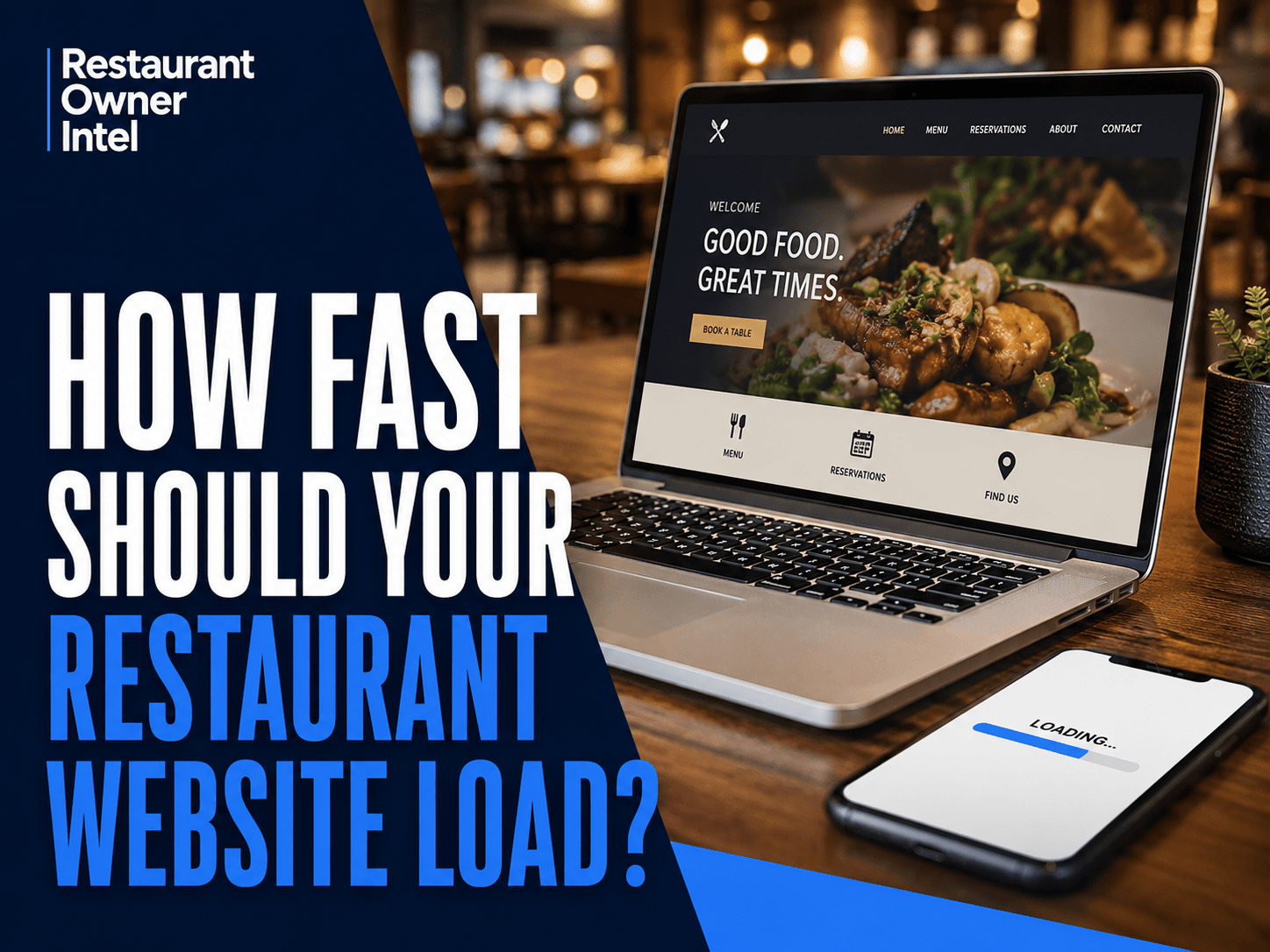
How Fast Should Your Restaurant Website Load?
How fast should your restaurant website load? Learn the speed restaurant owners should aim for, why mobile performance matters and what to fix.
A potential customer searches for somewhere to eat. They find your restaurant on Google, tap your website and wait. Your homepage starts loading. A large photograph appears. The menu takes another moment. The booking button is still not ready. So they go back to Google and try another restaurant. You may never know that customer existed. That is why how fast your restaurant website should load is not simply a technical question. Website speed affects how easily customers can check your menu, find your opening hours, make a reservation or place an order. And when customers are hungry and comparing several restaurants, patience can be limited. So, How Fast Should Your Restaurant Website Load?A useful target is to have the main content of your restaurant website visible within 2.5 seconds. Google measures this through a metric called Largest Contentful Paint (LCP), which looks at how quickly the main visible content on a page loads. Google classifies an LCP of:
Google recommends assessing this at the 75th percentile of page visits, rather than relying on one unusually fast test. For a restaurant owner, however, the principle is simpler: Customers should not have to wait to decide whether they want to eat with you. Your website should feel fast, particularly on a mobile phone. Why Restaurant Website Speed MattersThink about why somebody visits a restaurant website. They probably want to do something. They might want to:
These are commercially valuable actions. A slow website puts friction between customer interest and customer action. Google also notes that slow load times and poor responsiveness can contribute to higher bounce rates and fewer conversions. For a restaurant, a conversion could be a reservation, an order, a telephone call or simply somebody deciding to visit. Speed therefore needs to be treated as part of the customer journey, not simply as something for your website developer to worry about. Mobile Speed Matters MostDo not judge your restaurant website only by opening it on the computer in your office. Test it on a phone. Google uses the mobile version of websites for indexing and ranking, and recommends creating a mobile-friendly experience. More importantly, consider the behaviour of your customers. Someone might be standing in the street searching for lunch. A couple might be comparing restaurants from the sofa. A group could be deciding where to eat while travelling into town. They may be using mobile data rather than fast Wi-Fi. Your website needs to work under those conditions. A site that seems perfectly fast on your office broadband connection may feel considerably slower to a customer using a mobile phone. The Restaurant Website Speed Test That Really MattersThere is a simple test every restaurant owner can perform. Take out your phone and imagine you have never visited your restaurant before. Search for the business on Google and open the website. Then try to answer four questions: Can I quickly see what kind of restaurant this is? Can I find the menu? Can I find the opening hours and location? Can I book a table or take the next step without waiting? You are testing more than raw loading speed. You are testing how quickly a customer can get from interest to action. A technically fast website can still create a poor experience if the reservation button is difficult to find or the menu is buried three clicks deep. What Usually Slows Restaurant Websites Down?Restaurant websites have some predictable problems. 1. Oversized Food PhotographyProfessional photography can help sell your restaurant. But enormous image files can slow a website considerably. You do not need to remove strong photography. You need properly sized and compressed images. Ask whoever manages your website to check whether large images are being served at much higher resolutions than visitors actually need. The goal is good photography without unnecessary file size. 2. Too Many Videos and Moving ElementsA video background may look impressive. Several animations, sliders and moving sections may make the website feel modern. But every additional feature needs to justify itself. Ask a commercial question: Does this feature help customers choose us or make a booking? If the answer is no and it is slowing the page down, removing it may improve the website. Simple and fast can outperform impressive and slow. 3. Too Many Third-Party ToolsRestaurant websites can gradually accumulate technology. Booking widgets. Online ordering systems. Analytics. Social media feeds. Review widgets. Pop-ups. Advertising trackers. Chat tools. Some are useful. Others may add extra work for the browser and contribute little to the customer experience. Periodically review what is actually running on your website. If you no longer use something, remove it. 4. A Poorly Built Mobile WebsiteA website should not merely shrink to fit a smaller screen. Buttons need to be easy to tap. Text needs to be readable. Menus need to open properly. Images need to resize correctly. Important actions such as Book a Table, View Menu and Order Online should be obvious. Fast loading is only useful if customers can easily use the page once it appears. 5. Slow Hosting or an Outdated WebsiteSometimes the problem sits deeper than photographs and widgets. Old website themes, inefficient code, outdated plugins or poor hosting can all affect performance. You do not need to understand the technical details. You do need to ask the right question: What is making our mobile website slow, and what are the biggest improvements we can make first? A good website provider should be able to give you a clear answer. Check More Than Your HomepageRestaurant owners often test the homepage and stop there. But consider the pages that customers actually need. Test your:
Your homepage could be quick while a menu page packed with large images is painfully slow. The pages closest to revenue deserve particular attention. Use Google PageSpeed InsightsYou can check your website without buying specialist software. Google's PageSpeed Insights measures webpage performance and provides suggestions for improvements. It can assess mobile and desktop performance and uses Lighthouse data to identify potential problems. Do not become obsessed with achieving a perfect score. Use the report to identify obvious weaknesses. Your priority is a website that feels quick and allows customers to take action easily. If PageSpeed Insights identifies several problems, send the report to whoever manages your website and ask: Which three issues will make the biggest difference to our customers? That is a much more useful conversation than asking somebody to "make the website faster." Speed Is Only Part of Website ConversionThere is little value in having a restaurant website that loads instantly but does not persuade anyone to visit. Once the site is fast, the next question is whether it makes choosing your restaurant easy. A strong restaurant website should quickly communicate:
Speed removes friction. Good website design then turns that attention into action. You need both. Quick Restaurant Website Speed AuditTake ten minutes this week and check your website.
If several answers raise concerns, website performance deserves attention. The Bottom LineHow fast should your restaurant website load? Aim for the main content to appear within 2.5 seconds, in line with Google's "good" Largest Contentful Paint threshold. But do not stop at measuring seconds. The commercial test is whether a potential customer can move quickly from a Google search to your menu, opening hours, location, reservation system or online ordering page. Your website is often part of the customer's decision before they ever walk through your door. Do not make them wait. Your action this week: Open your restaurant website on your phone using mobile data. Test the homepage, menu and booking journey. Then run those pages through PageSpeed Insights and identify the three biggest problems worth fixing first. |
Restaurant Owner Resource |
Free AI Restaurant Growth Plan |
Curious what growth opportunities your restaurant might be missing? Our free AI-powered Growth Plan analyses your restaurant's online presence, marketing and growth goals to identify opportunities you may not have considered.
|
Oct 19, 2026
Restaurant Technology: Which Tools Are Actually Worth the Investment?
From POS systems and booking software to AI and staff scheduling, here's how to choose restaurant technology that earns its place in your budget, protects your margins and makes running your business easier.

Oct 18, 2026
How to Fill Quiet Restaurant Nights Without Offering Discounts
Empty tables on a Tuesday or Wednesday can be expensive. But cutting prices isn't the only way to bring customers through the door. These practical restaurant marketing ideas can help you increase midweek bookings, give diners a reason to visit and protect your profit margins.

Oct 18, 2026
Are Delivery Apps Bringing You Sales or Taking Too Much Margin?
Delivery apps can keep your kitchen busy and your sales figures climbing. But how much of that money are you actually keeping? Here's how to uncover the real cost of restaurant delivery apps, protect your profit margins and make every order work harder for your business.

Oct 17, 2026
Why Customers Choose One Restaurant Over Another (And How to Win Their Business)
Why Customers Choose One Restaurant Over Another comes down to more than food and price. Understanding the psychology behind dining decisions can help your restaurant attract more customers, win bookings and build repeat business.
0 Comments
Join the conversation
Be the first to comment
Share your thoughts above.