
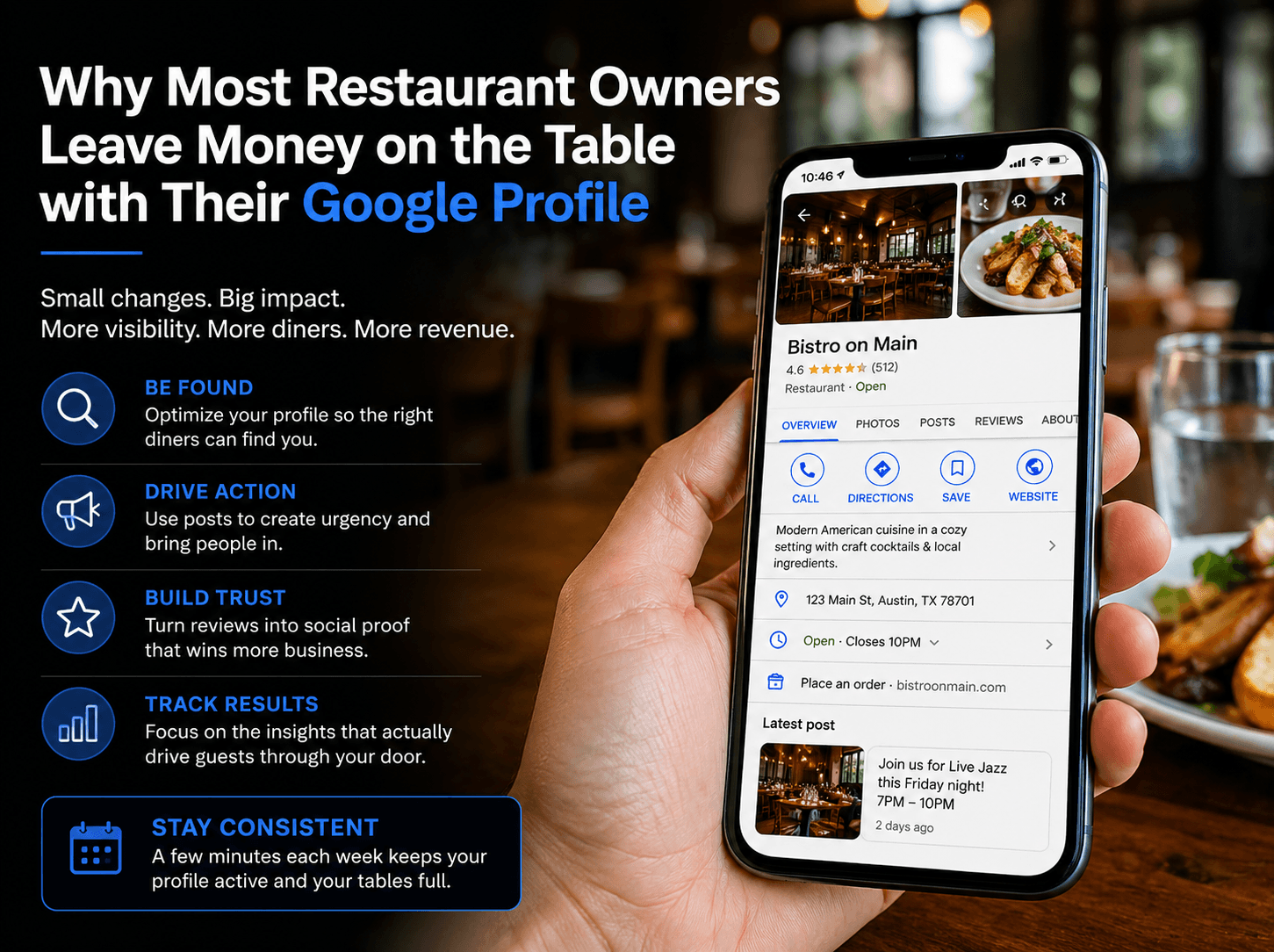
Why Most Restaurant Owners Leave Money on the Table with Their Google Profile
How to turn your Google Business Profile into a consistent source of bookings, calls, and walk-ins
Most restaurant owners think they are done once they claim their Google Business Profile. You add your logo, confirm your address, and move on.
It feels like a checkbox item. Another task crossed off the list. But here is what most people miss. Claiming your profile is just the starting line.
It is not the finish line. Treating it as a digital placeholder means you are leaving real money on the table.
Think about how diners find you today. They search for “Italian food near me” or “best brunch in Austin”. Google shows them a list of options. Your profile is competing for that first glance.
If your profile is static, generic, or outdated, you are losing to the restaurant down the street that looks active and inviting. The difference between a profile that drives foot traffic and one that just sits there is simple.
One is a marketing tool. The other is a digital business card. A business card does not bring people through your door. An active, optimized profile does.
It answers questions before they are asked. It builds trust.
It gives people a reason to choose you over the competition. Most owners overlook this entirely.
They assume the profile works on autopilot. It does not.
In the next section, we will walk through the specific changes that turn your profile into a search engine magnet. Small shifts that make a big difference in who finds you and why they click. Step 1: Optimize Your Profile for Search, Not Just Looks
Let’s be honest. Most restaurant owners set up their Google profile without thinking about how people actually search.
They pick a category that sort of fits. They upload a few photos. They call it done. But Google is a search engine first.
It wants to match users with the most relevant results. If your profile is vague or incomplete, Google doesn’t know who to send your way.
This is where the details matter. Start with your primary category.
“Restaurant” is too broad. If you serve authentic Thai food, choose “Thai restaurant.”
That small change tells Google exactly what you are. It also tells diners what to expect before they click.
Next, verify your hours. This sounds basic, but you would be surprised how many profiles show incorrect holiday hours or outdated open times. A customer who shows up to a locked door doesn’t come back. And they certainly don’t leave a good review.
Then there are attributes. Google lets you highlight things like “outdoor seating,” “takeout,” or “has kids’ menu.”
These are the filters diners use when narrowing down their options. If you don’t fill them in, you get filtered out.
None of this takes more than 15 minutes. But it is the difference between being found by the right diners and being invisible.
Once your foundation is solid, you can start thinking about what happens after they find you. That is where Google Posts come in. Step 2: Use Posts to Create Urgency and Action
Once your profile is set up for search, the next step is giving people a reason to act. A static profile tells diners who you are. Active posts tell them why they should come in today. This is where Google Posts become valuable.
A post is a small update that appears directly on your Business Profile. It can highlight a daily special, announce a live music night, or showcase a new menu item.
The key is that it creates urgency. It gives someone scrolling past a reason to stop and click through.
Most restaurants skip this. They set up their profile and never touch it again.
But think about the difference between these two scenarios. A diner sees your profile with the same photos and description they saw last month.
Nothing has changed. Now imagine they see a post about a limited-time lobster roll special or a two-for-one happy hour that ends tonight.
Which profile is more likely to get a visit? The posts don’t need to be complicated.
A simple photo of your dish with a clear call to action works. “Tonight only. Live jazz from 7 to 10. Reserve your table.
That is enough. It gives diners a reason to choose you over the other options on the screen.
The goal is to keep your profile feeling alive. Even one post per week can make a difference.
Once you have this rhythm down, the next step is turning your reviews into something that actively brings in more business. Step 3: Turn Reviews Into a Lead Generation Tool
Reviews are one of the most powerful tools on your Google profile. But most owners treat them like a report card.
You check the rating, feel good or bad, and move on. That is a missed opportunity.
Every review is a chance to build trust with future diners. When someone reads your responses, they learn a lot about your restaurant.
A thoughtful reply to a positive review shows you care about your guests. A professional response to a negative review shows you handle problems with grace.
This builds confidence. It makes people more likely to choose you over a competitor who never replies.
Here is the practical part. Aim to respond to every review within 24 to 48 hours.
Keep responses short and personal. Thank them by name.
Mention something specific from their visit if you can. For negative reviews, acknowledge the issue without getting defensive.
Apologize, offer to make it right offline, and leave it at that. Now here is the overlooked opportunity.
Those review snippets are gold for your other marketing. Pull a quote from a great review and use it in a Google Post.
Feature it on your website’s homepage. Include it in a social media graphic.
This reinforces social proof everywhere a potential diner looks. It tells them that other people had a great experience and that you are worth trying.
The result is a feedback loop. Good responses encourage more reviews.
More reviews give you more material to use. And that material brings more diners through the door. Step 4: Track What Actually Drives Diners Through the Door
You have optimized your profile. You are posting regularly. You are responding to reviews. Now comes the question that actually matters: is any of it working?
Most owners check their Google Business Profile insights and get distracted by the wrong numbers. They look at total views or how many people saw their photos.
Those are vanity metrics. What you actually need to track are the actions that put butts in seats.
Open your insights and focus on three things. Direction requests, phone calls, and website clicks.
Direction requests mean someone is planning to drive to your location. That is as close to a guaranteed visit as you can get from an online interaction.
Phone calls mean someone had a question before committing. Maybe they want to know about wait times or if you take reservations.
If calls are low, your profile might be missing key information. Website clicks show intent to learn more, check your menu, or see your hours.
This is your digital front door. Here is the practical takeaway.
Look at these numbers weekly, not daily. Obsessing over daily fluctuations will drive you crazy.
But a weekly trend tells you if your latest post or updated hours actually moved the needle. If direction requests drop after you change your hours, you know something is off.
If website clicks spike after a post about weekend brunch, double down on that content. This data is free.
It is sitting in your profile right now. Most owners never open it.
That is a missed opportunity we can help you fix. The Missed Opportunity: Keeping Your Profile Fresh Without Burning Time
You have done the hard work of setting up your profile, posting updates, and tracking what works. Now the real challenge kicks in. Keeping it all going without letting it eat your whole week. This is where most owners fall off.
They start strong, post for a few weeks, and then life gets in the way. The profile goes quiet.
The momentum disappears. Here is the truth.
You do not need to post every day. You do not need to craft perfect, polished updates.
Consistency beats perfection every time when it comes to local search visibility. Google rewards profiles that show regular activity, not ones that occasionally post a masterpiece.
So build a simple system that fits your real schedule. Block out 15 minutes twice a week.
Monday morning to schedule a post about your weekend specials or upcoming events. Thursday afternoon to respond to any new reviews. That is it. Thirty minutes total.
Use your phone to snap quick photos of a new dish or a busy Friday night crowd. Write your posts in plain language.
No graphic design skills required. The goal is to stay visible, not to win design awards.
Set a recurring calendar reminder. Treat it like any other essential task for your restaurant.
Most of your competitors will not do this consistently. They will treat their profile as a set-it-and-forget-it listing.
That gives you a real edge. A profile that shows fresh activity week after week tells Google you are an active, relevant business.
It tells diners you are open and engaged. The missed opportunity is not about doing more.
It is about doing something small, consistently, over time. That is what actually moves the needle. |
Oct 19, 2026
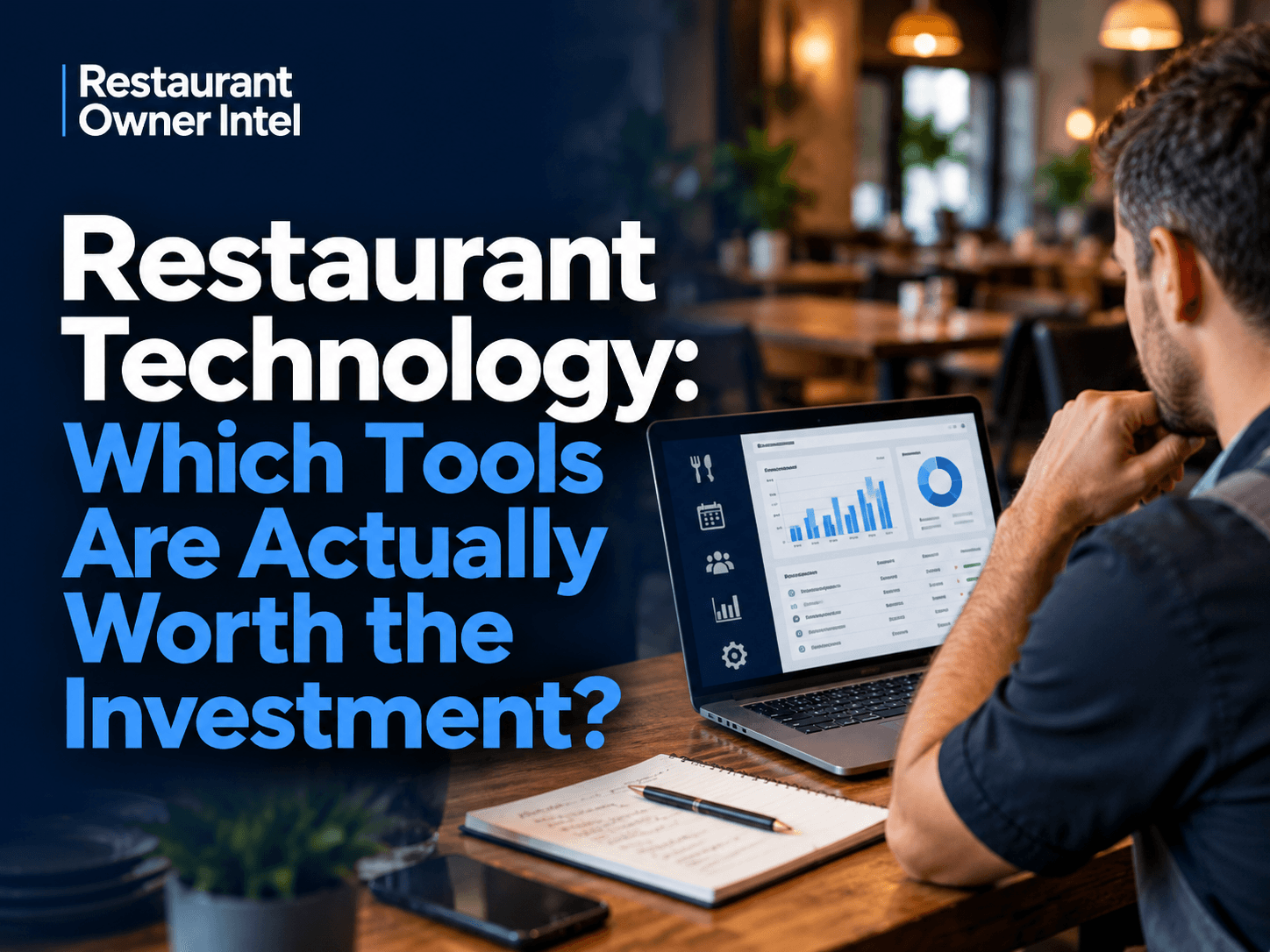
Restaurant Technology: Which Tools Are Actually Worth the Investment?
From POS systems and booking software to AI and staff scheduling, here's how to choose restaurant technology that earns its place in your budget, protects your margins and makes running your business easier.
Oct 18, 2026
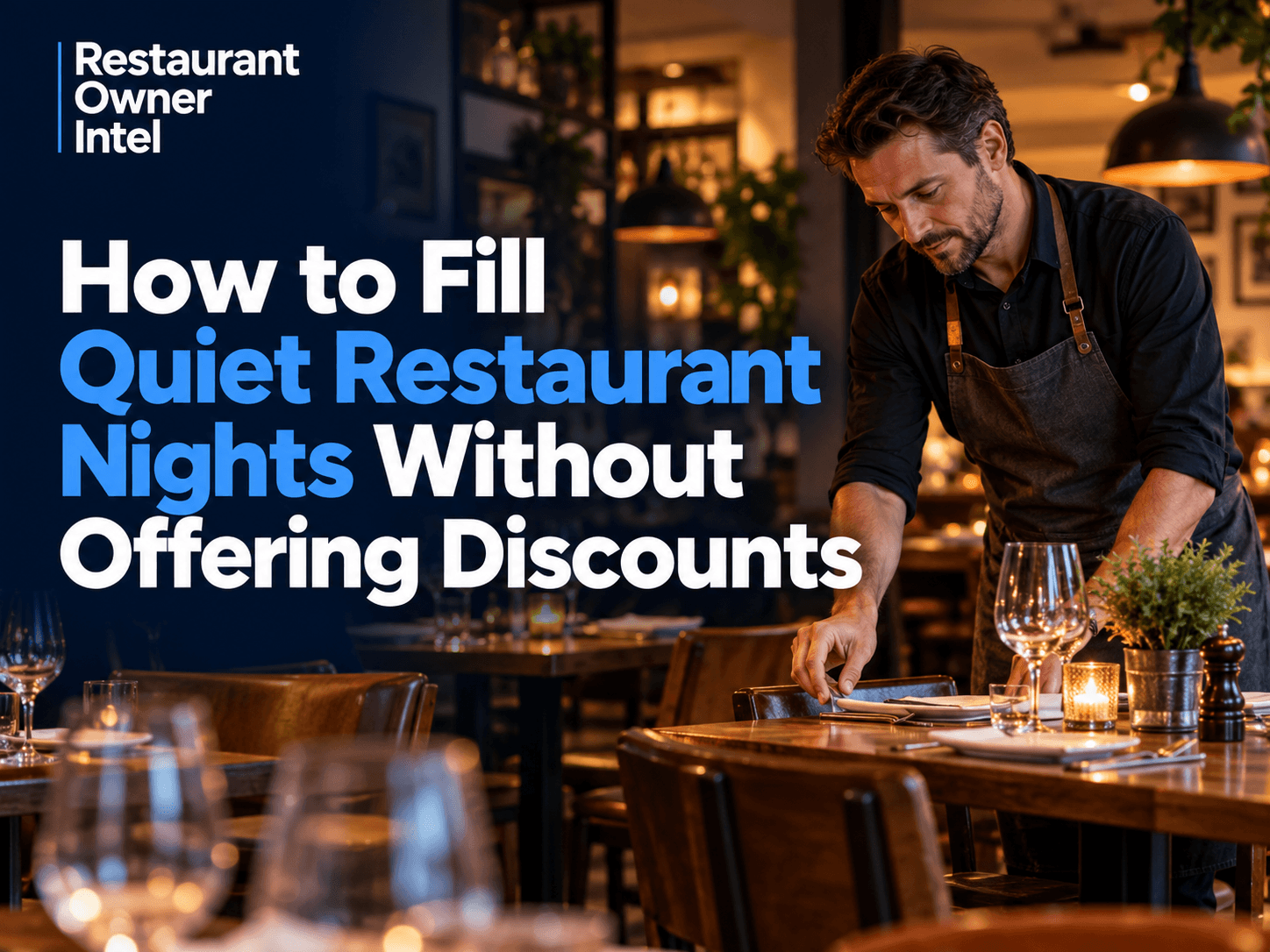
How to Fill Quiet Restaurant Nights Without Offering Discounts
Empty tables on a Tuesday or Wednesday can be expensive. But cutting prices isn't the only way to bring customers through the door. These practical restaurant marketing ideas can help you increase midweek bookings, give diners a reason to visit and protect your profit margins.

Oct 18, 2026
Are Delivery Apps Bringing You Sales or Taking Too Much Margin?
Delivery apps can keep your kitchen busy and your sales figures climbing. But how much of that money are you actually keeping? Here's how to uncover the real cost of restaurant delivery apps, protect your profit margins and make every order work harder for your business.

Oct 17, 2026
Why Customers Choose One Restaurant Over Another (And How to Win Their Business)
Why Customers Choose One Restaurant Over Another comes down to more than food and price. Understanding the psychology behind dining decisions can help your restaurant attract more customers, win bookings and build repeat business.
0 Comments
Join the conversation
Be the first to comment
Share your thoughts above.